【Unreal Engine】技術サンプルプロジェクトを確認する方法
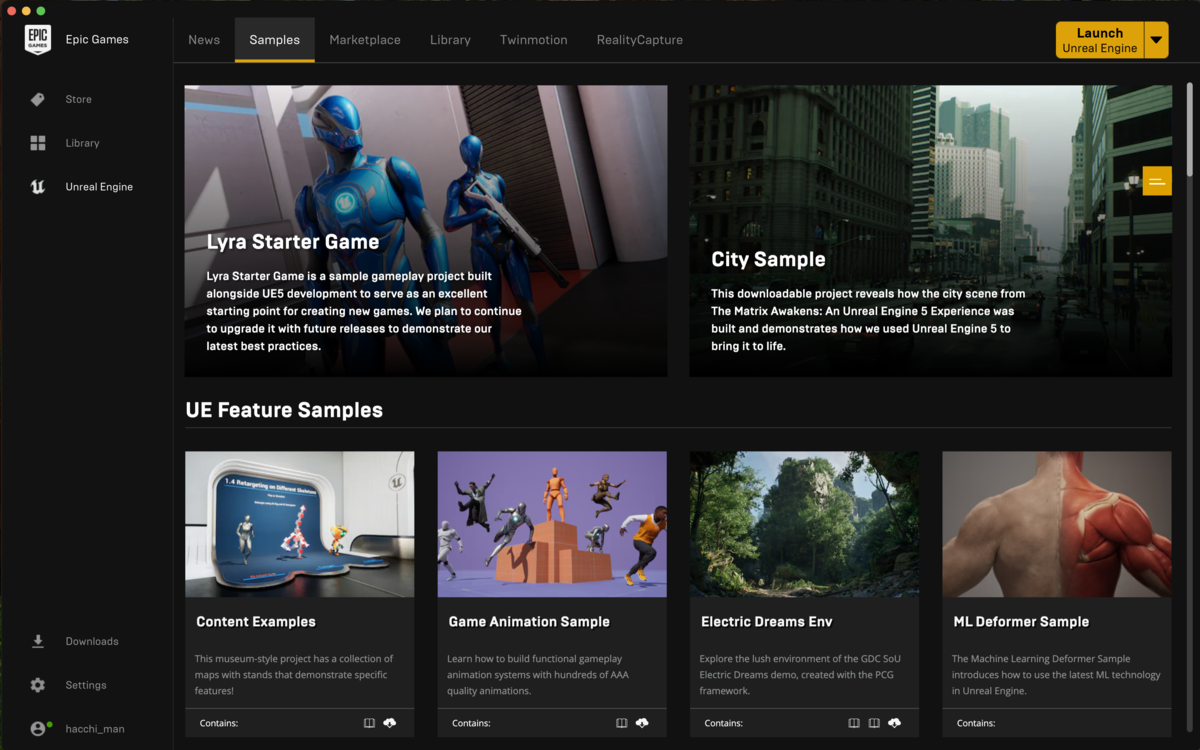
Epic Games Launcherを開き、SamplesタブからContent Examplesを選択します。
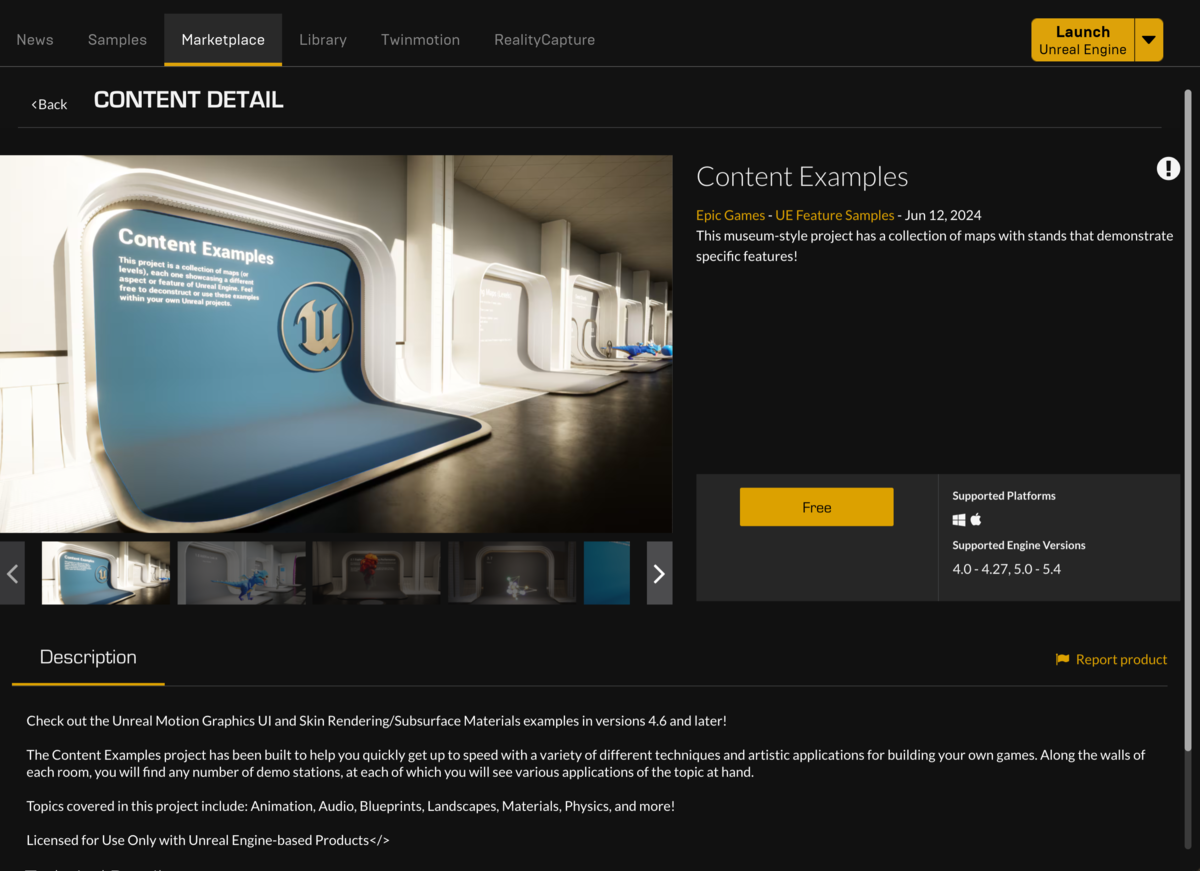
Marketplaceが表示されるので、「Free」ボタンをクリックすると、
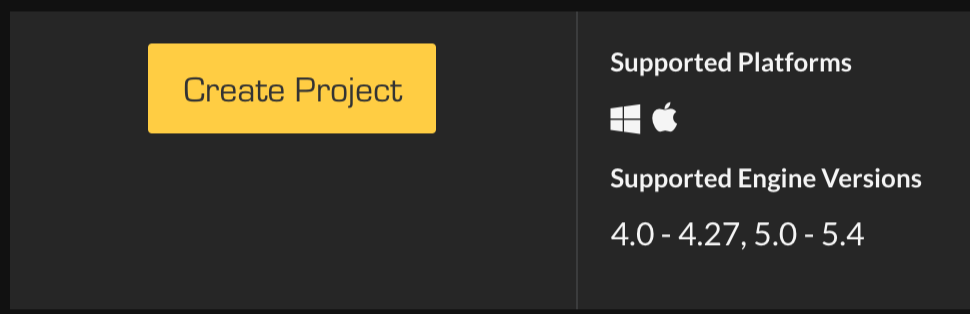
「Create Project」が表示されます。
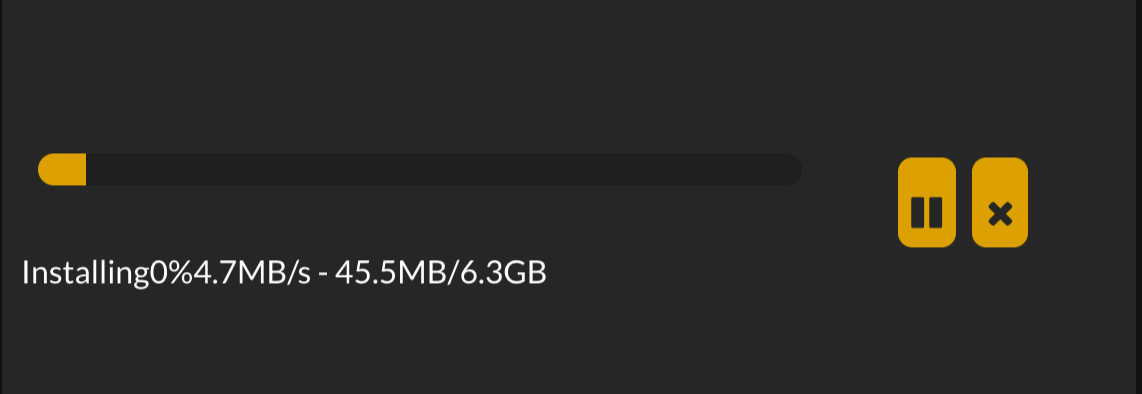
プロジェクトの保存先を選択すると、サンプルプロジェクトのダウンロードが開始されるので、完了するまで待ちます。
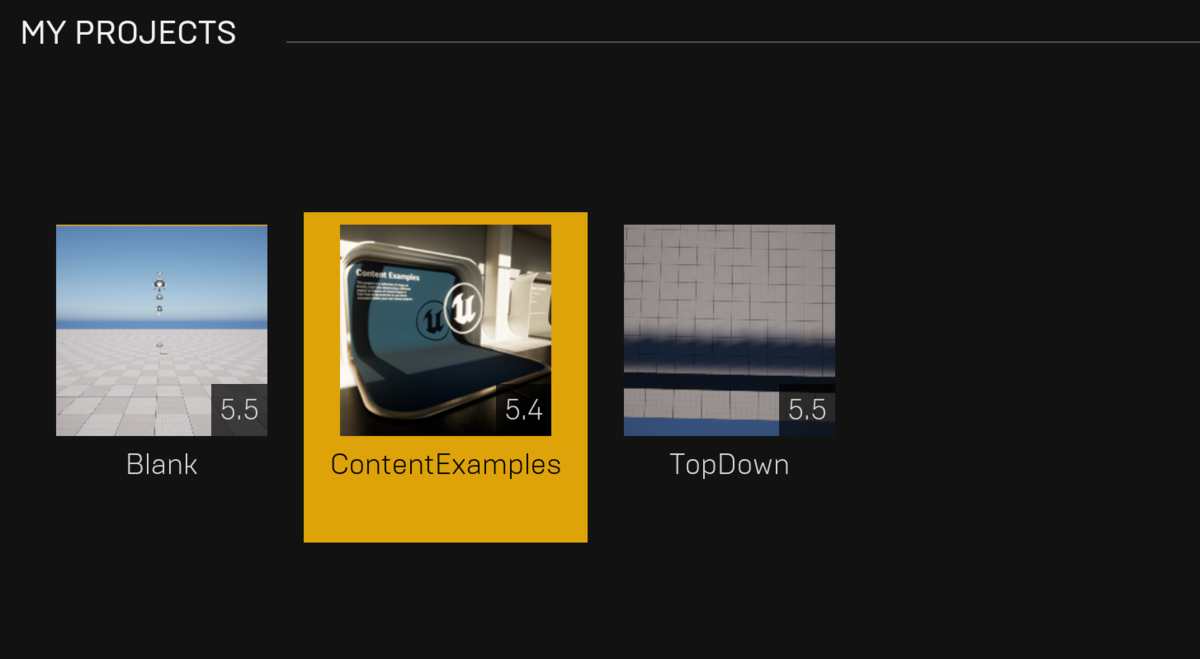
ダウンロードが完了すると、Libraryの「My Projects」セクションにContent Examplesが追加されますので、そこから開きます。
プロジェクト内のMapsフォルダには、多くのサンプル Level があり、それぞれを再生するとさまざまなデモを確認することができます

今 (2024/10/16) 時点で確認できたサンプルは以下でした
- AI_NavMesh
- AI_NavMesh_BuiltData
- AnimationDeformer
- AnimationRetargeting
- Animation_Basics
- Animation_Choosers
- Animation_ControlRig
- Animation_Deformer
- Animation_IKRig
- Animation_MorphTargets
- Animation_PhysicsControl
- Animation_Retargeting
- Audio
- BlueprintRenderToTarget
- Blueprint_Advanced
- Blueprint_Communication
- Blueprint_Input_Examples
- Blueprint_Mouse_Interaction
- Blueprint_Network
- Blueprint_Overview
- Blueprint_ProceduralMesh
- Blueprint_RenderToTarget
- Blueprint_Splines
- Blueprints_Advanced
- Blueprints_Overview
- Choosers
- Cloth
- CommonUI
- ControlRig
- Decals
- ExampleProjectWelcome
- FBX_Import_Options
- IKRig
- Landscape
- Level_Landscape
- Level_Landscape_BuiltData
- Level_PostProcessing
- Level_Scripting
- Level_Streaming
- Level_Volumes
- Lighting_Realtime
- Lighting_Realtime_BuiltData
- Material_Advanced
- Material_Decals
- Material_Instances
- Material_Nodes
- Material_ParallaxOcclusionMapping
- Material_PivotPainter
- Material_PivotPainter2
- Material_Properties
- Material_SkinRendering
- Material_Substrate
- Math_Hall
- MorphTargets
- Navmesh
- Network_Features
- Niagara_Advanced_Particles
- Niagara_Fluids
- Niagara_Particles
- Paper2D
- ParallaxOcclusionMapping
- PhysicalAnimation
- Physics
- PhysicsControl
- Physics_Cloth
- Physics_Destruction
- PivotPainter
- PivotPainter2
- PostProcessing
- ProceduralMesh
- SkinRendering
- StaticMeshes
- UI_CommonUI
- UI_SlatePostBuffer
- UI_UMG
- UMG
- Volumes
それぞれのレベルを試してみて、Unreal Engineのさまざまな機能を確認してみましょう!
